
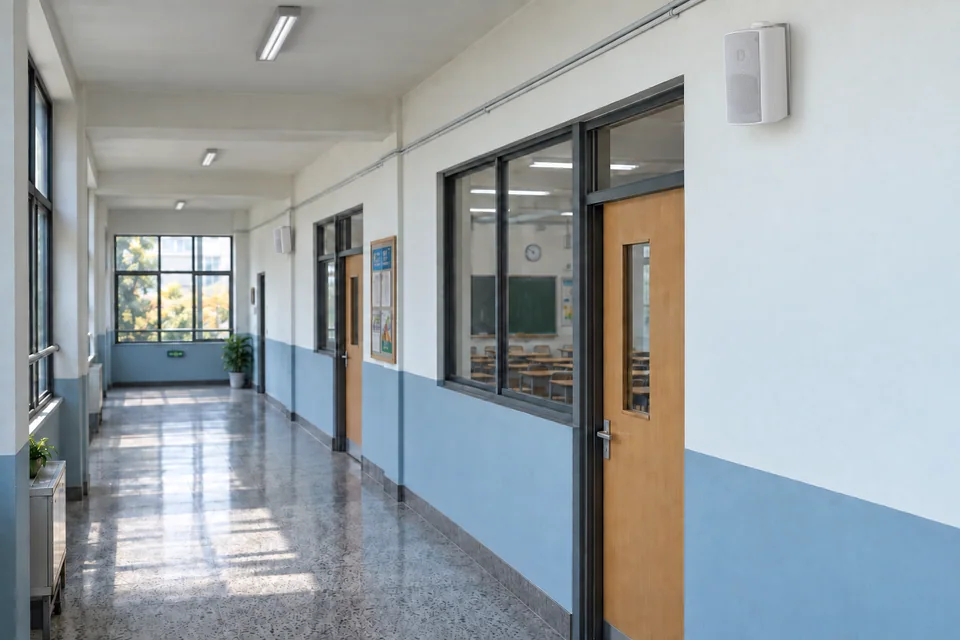
Start with the building and the messages people need to hear. Then plan zones, speaker coverage and amplifier capacity. Resolve any emergency voice-alarm requirements before choosing equipment.
01 / Match the system to the space
A quiet office, a busy school corridor and an outdoor public area need different coverage and control. Start with these questions—not a wattage figure.
Commercial buildings
Do reception, tenant floors and shared spaces need separate music or paging?
Schools
Which teaching blocks share announcements and schedules? Who can make an all-call?
Public spaces
How noisy does the site become? Which areas are outdoors or highly reverberant?
02 / Know what each component does
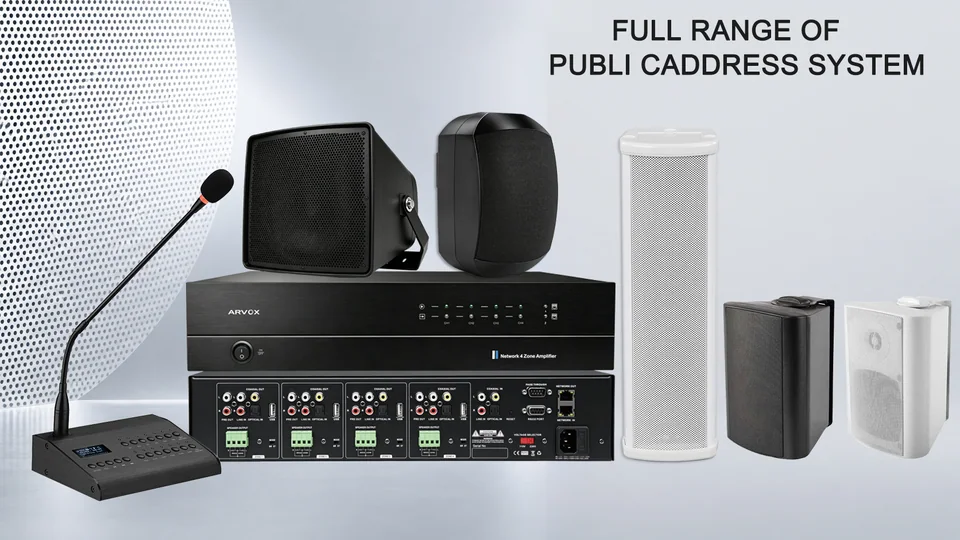
Where an operator makes announcements.
Selects destinations and supplies power to compatible speakers.
A starting point for distributed indoor coverage with suitable ceilings.
An option where wall mounting and directed coverage suit the space.
Choose speakers using ceiling height, background noise, room finishes and published coverage data. Outdoor areas need an appropriate environmental rating. Difficult spaces may need acoustic modelling and intelligibility testing: louder is not always clearer.
03 / Send the message to the right areas
A zone is an area that can receive a selected announcement. Draw zones on your floor plan before deciding how many amplifier channels you need.
Conceptual zoning example—not installation wiring or an evacuation plan.
Confirm three things: which zones share audio, which need different audio simultaneously, and which operator has priority. Six selectable zones do not necessarily mean six independent audio channels. Ask for a routing diagram and a demonstration.
04 / Add the speaker load, then check capacity
For a compatible 70 V or 100 V system, add the selected speaker-tap wattages on each amplifier output. Use the selected taps—not the speakers’ maximum advertised power—and verify voltage compatibility.
96 W is a load calculation, not the final amplifier recommendation. Check manufacturer guidance, cable losses, operating conditions, expansion and both channel and total-power limits. Low-impedance systems require a different matching assessment.
Illustrative arithmetic. Technical basis: Biamp’s constant-voltage reference. Qualified personnel should complete the design and installation.
05 / Turn your plan into a useful enquiry
Send the same brief to each supplier so that quotations are comparable. You do not need a finished design to start the conversation.
- The site: country, floor plans, dimensions, ceiling heights and indoor/outdoor conditions.
- The operation: zones, audio sources, schedules and simultaneous-message requirements.
- The infrastructure: existing equipment, cable routes, racks, power and network.
- The delivery: quantities, budget range, timeline and destination.
- The specification: safety requirements and the responsible project designer.
Before you accept a quotation
Request exact models, quantities, routing, accessories and exclusions. Verify model-specific documents, relevant certificates, warranty, lead time and commissioning responsibilities. Agree how zone selection, priority and speech clarity will be tested.
Explore ARVOX audio systems, or email your completed brief to gloria@arvox-tech.com.
A few common questions
Can music and paging share a system?
Yes, where the selected equipment supports the required routing and priority. Specify which zones should interrupt music and how playback resumes.
Do I need an amplifier for every zone?
Not necessarily. It depends on independent audio needs, loads and resilience. Check the actual channel and routing design rather than the number of enclosures.
Is IP audio better than 100 V?
They describe different parts of a system and can coexist. Compare the full architecture, site infrastructure and maintenance requirements.
Further reading
- Biamp — Constant-voltage speaker systems
- Shure — Matching audio decisions to the space
- TOA — Voice alarm systems
The school scene is an AI-generated illustration, not a customer installation. Confirm model-specific specifications and project requirements before purchase. No third-party endorsement is implied.